QR code will not open
Try activation search and check mobile reception.
 Charge now
Charging support
If you are at an outlet now, include the site name, outlet label, and what happened on your phone so support can understand the session context.
Destination Charge
Try activation search and check mobile reception.
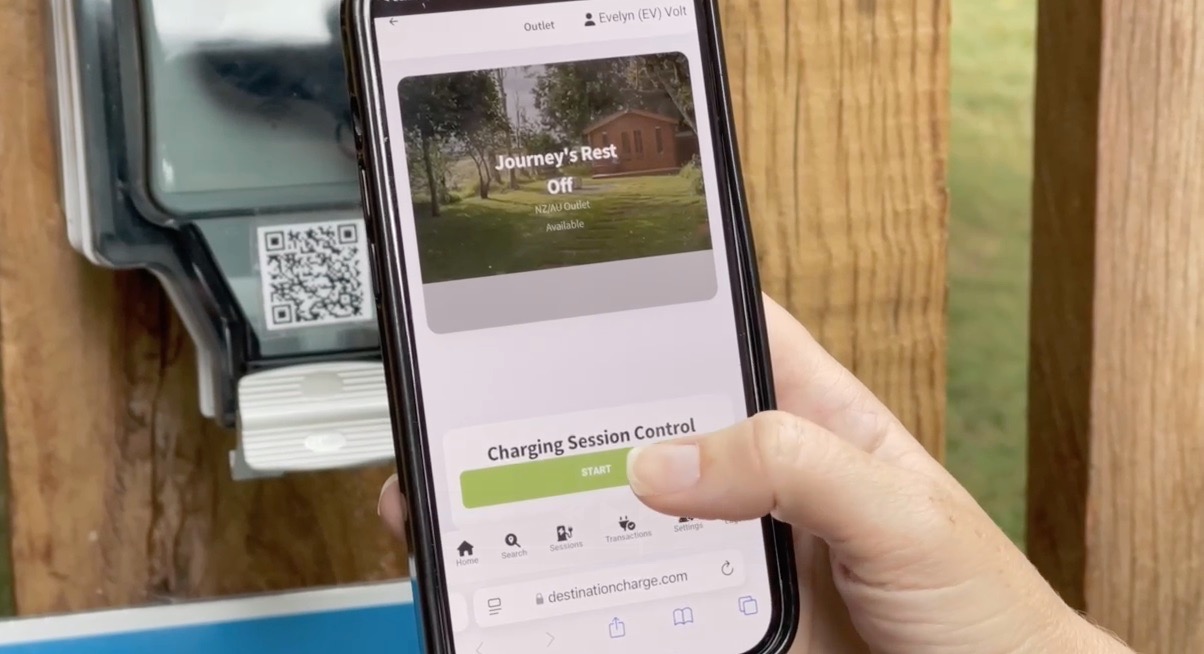
Confirm the site name, outlet label, and outlet status on the activation page.
Destination Charge usually requires your suitable portable EV charger.
Start a conversation
Include the site name, outlet label, and what happened on your phone.
Destination Charge
Include the site, outlet label, equipment you brought and the message shown on your phone. Keep the session page available.
Include your session or statement reference and describe the disputed amount. The charging terms explain the billing review process.
Report damaged or faulty equipment and stop using it. Destination Charge maintains or replaces its equipment where reasonably required under the site agreement.